Instructions to delete your Sifnos data
If you wish to permanently delete your account and all associated data, you must complete the process directly from the app by following these three steps:
Step 1
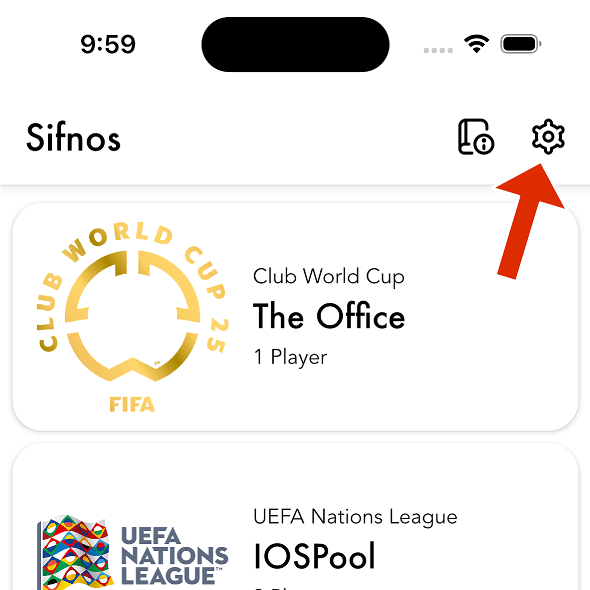
Open Sifnos and sign in with the account you want to delete. Once on the main screen, tap the "Settings" icon located in the top right corner.
Step 2
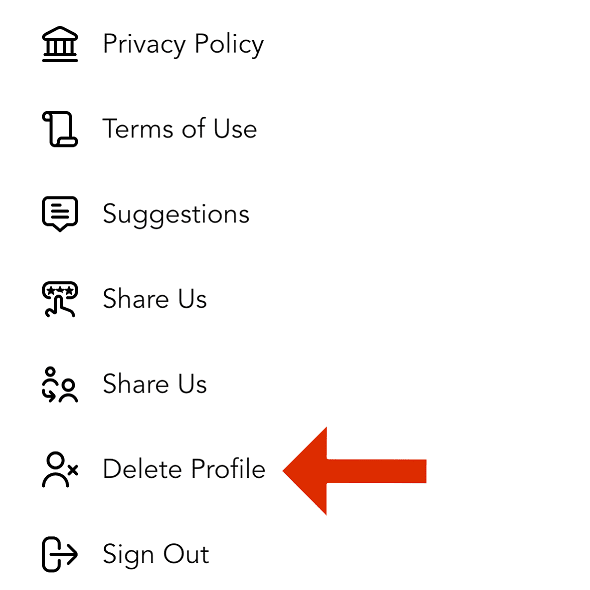
In the settings screen, select the "Delete Profile" option. A confirmation dialog will appear warning you that this action is irreversible.
Step 3
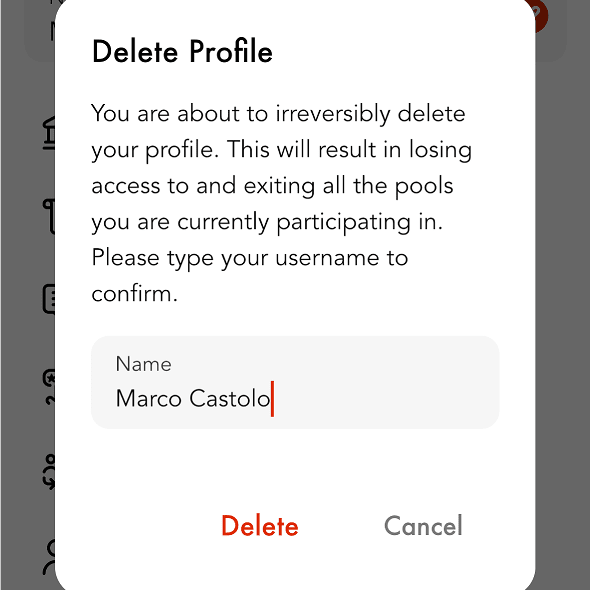
To proceed, you must type your username exactly as it is registered. Once entered correctly, the "Delete" button will be enabled. Tapping it will immediately and permanently delete your account and all associated data.
After completing this process, your session will automatically end and you will be redirected to the Sifnos login screen.